
Reading Tool

Brushwood Reading Room

Brushwood Reading Room is a quiet place to read, save, mark, and return to Brushwood books and resources.

The Brushwood Reading Room gathers articles, lessons, resources, and deeper study materials in one place for thoughtful Christian learning.

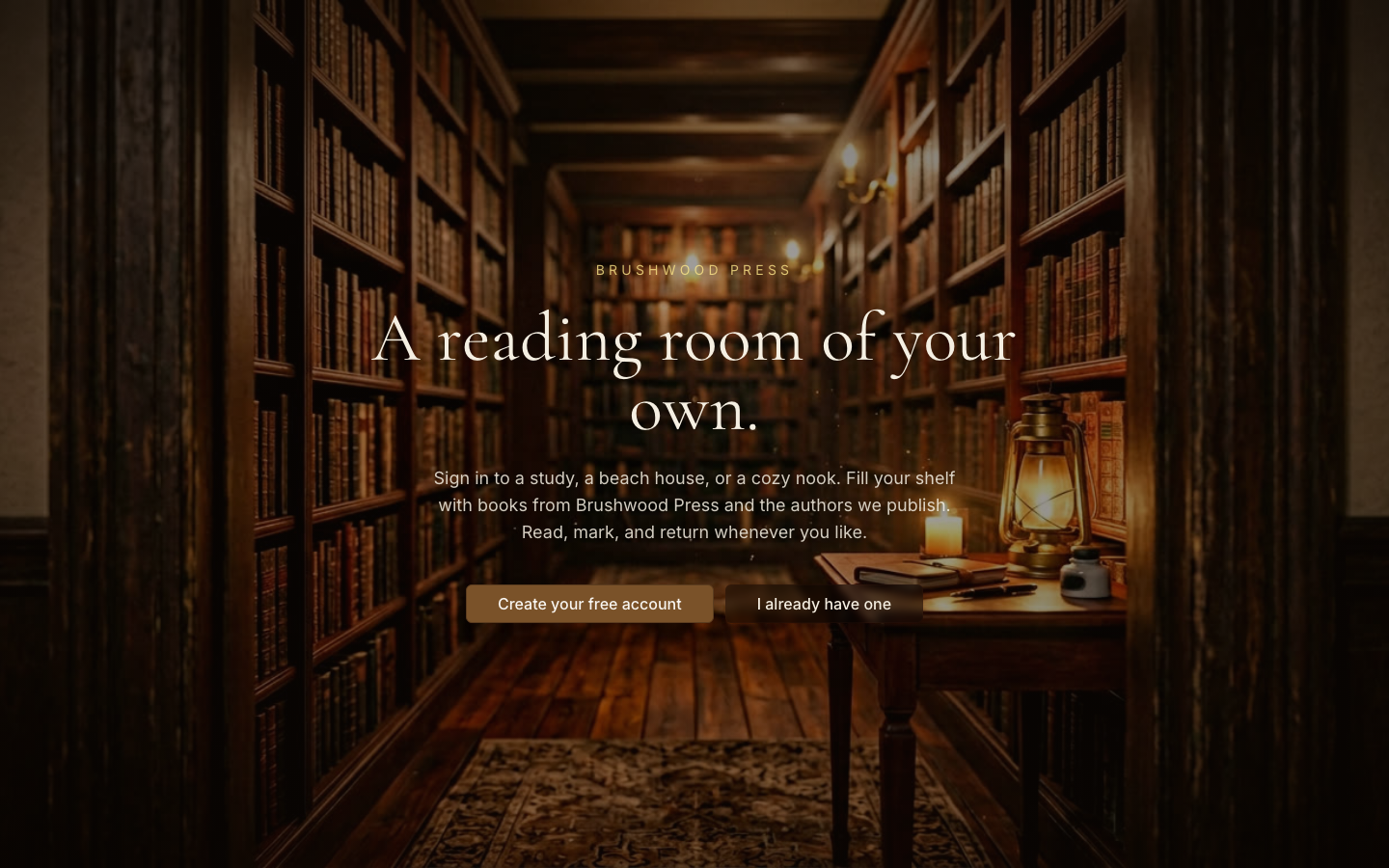
Brushwood Reading Room preview
The opening screen invites readers into a focused place for Brushwood books and resources.

Why this exists

Enter a calmer place for articles, lessons, and deeper study.

This tool exists because helpful Christian reading often gets scattered across files, links, feeds, and unfinished tabs. The Reading Room gives readers a dedicated place to return, read slowly, and keep a personal shelf.
Who it helps

  • readers
  • believers
  • families
  • Bible students
  • people using Brushwood books and resources

What it helps you do

Use the tool with a clear purpose.

start reading
keep a personal shelf
return to books and resources
mark progress
study without a noisy feed

How to use it

Start simple.

  1. 1Enter the Reading Room.
  2. 2Create an account or sign in if needed.
  3. 3Choose a book, lesson, or resource from the available shelf.
  4. 4Read slowly and mark your place as the tool allows.
  5. 5Return later to continue from your shelf.

Best ways to use this app

  • Personal reading
  • Returning to unfinished resources
  • Family study planning
  • Quiet devotional reading
  • Keeping Brushwood books in one place

Screenshots & walkthrough

What you are seeing.

Brushwood Reading Room desktop home screen
The opening screen invites readers into a focused place for Brushwood books and resources.
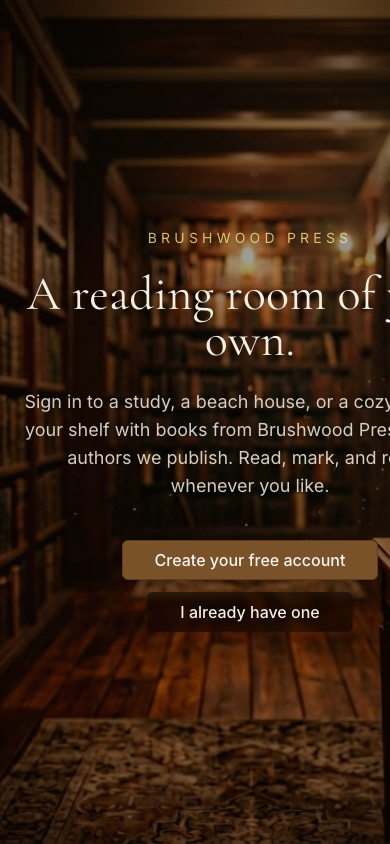
Brushwood Reading Room mobile home screen
The mobile view keeps the reading doorway simple for people returning on their phone.

Tips for first-time users

  • Create an account only when you are ready to keep a shelf.
  • Start with one book or resource.
  • Use the Reading Room as a quiet return point.
  • Do not treat it like a feed; treat it like a reading desk.

Next step

Enter the Reading Room

Start with one section, one prompt, or one reading path. The goal is not to use every feature at once. The goal is to take the next faithful step.